Artifact gate before UI and device-cloud testing
APK path in.
Launch receipt out.
RustDroid boots or reuses an emulator, installs your Android artifact, observes its launch, and leaves evidence you can inspect locally or upload to CI. No test script. No APK upload to a RustDroid service.
- Host emulator fast path
- APK · split APK · .apks · .xapk
- JSON · HTML · JUnit receipts
host-fast / public Gradle fixture
2026-09-01
rustdroid --profile host-fast run
tests/fixtures/apks/launch-success.apk
PRE-FLIGHTAPK digest recordedAPI 35 readyartifacts enabled
Recorded on a GitHub Linux/KVM runner
See the receipt form
before you trust it.
A real v0.3.2 run first shows a signed fixture passing, then catches a missing launcher and leaves both HTML receipts a teammate can open. Setup is intentionally excluded and waits are labelled when compressed.
Silent by design: captions keep the command, result, failure stage and report legible without audio. Read the provenance and reproduction notes ↗
One useful answer, not another dashboard
Where did the APK loop break?
RustDroid makes the daily device hand-off explicit: inspect the input, prepare the runtime, install, launch, then keep the facts.
- 01
Inspect
Resolve package, activity, ABI, split sets, and archives before the emulator costs you time.
- 02
Prepare
Boot or reuse an AVD on the host fast path. Use Docker when containment matters more.
- 03
Launch
Install the APK, resolve the launch activity, and observe the app in the foreground.
- 04
Keep proof
Write logs and a portable receipt instead of asking a teammate to reproduce a green check.
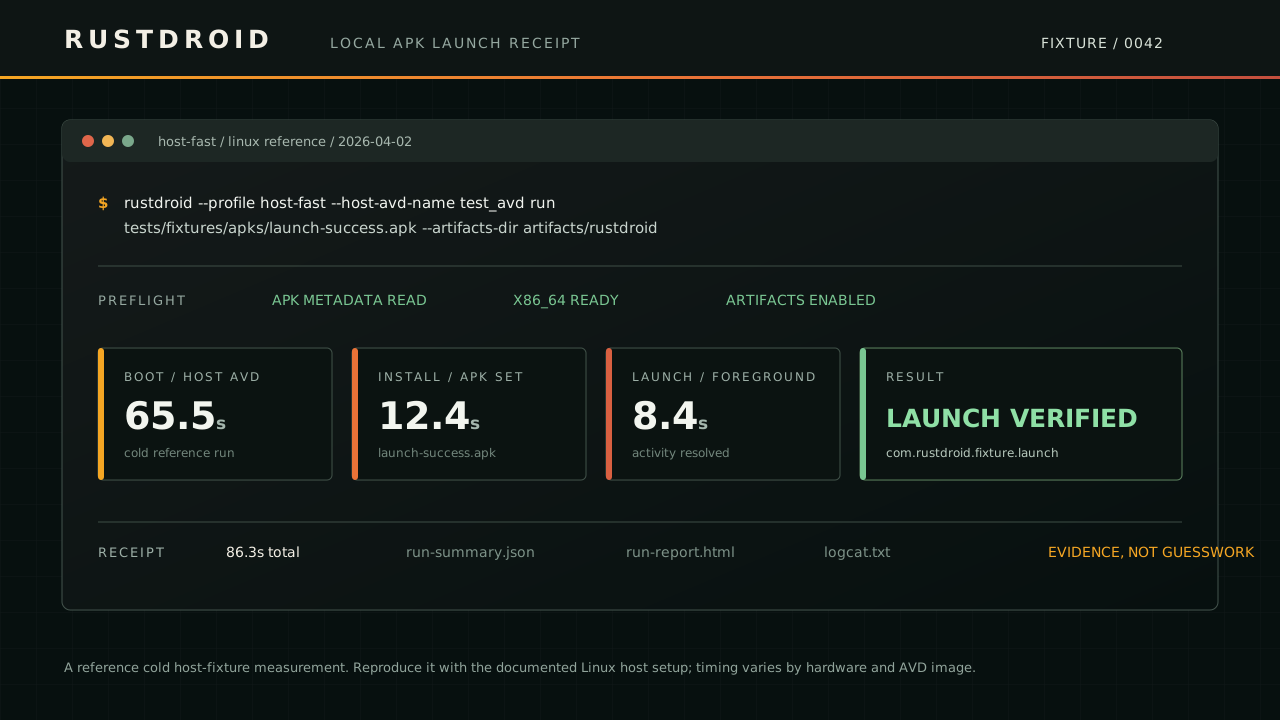
Reference cold host-fixture diagram. For current raw evidence, inspect the September 1 Gradle receipt and its public workflow.
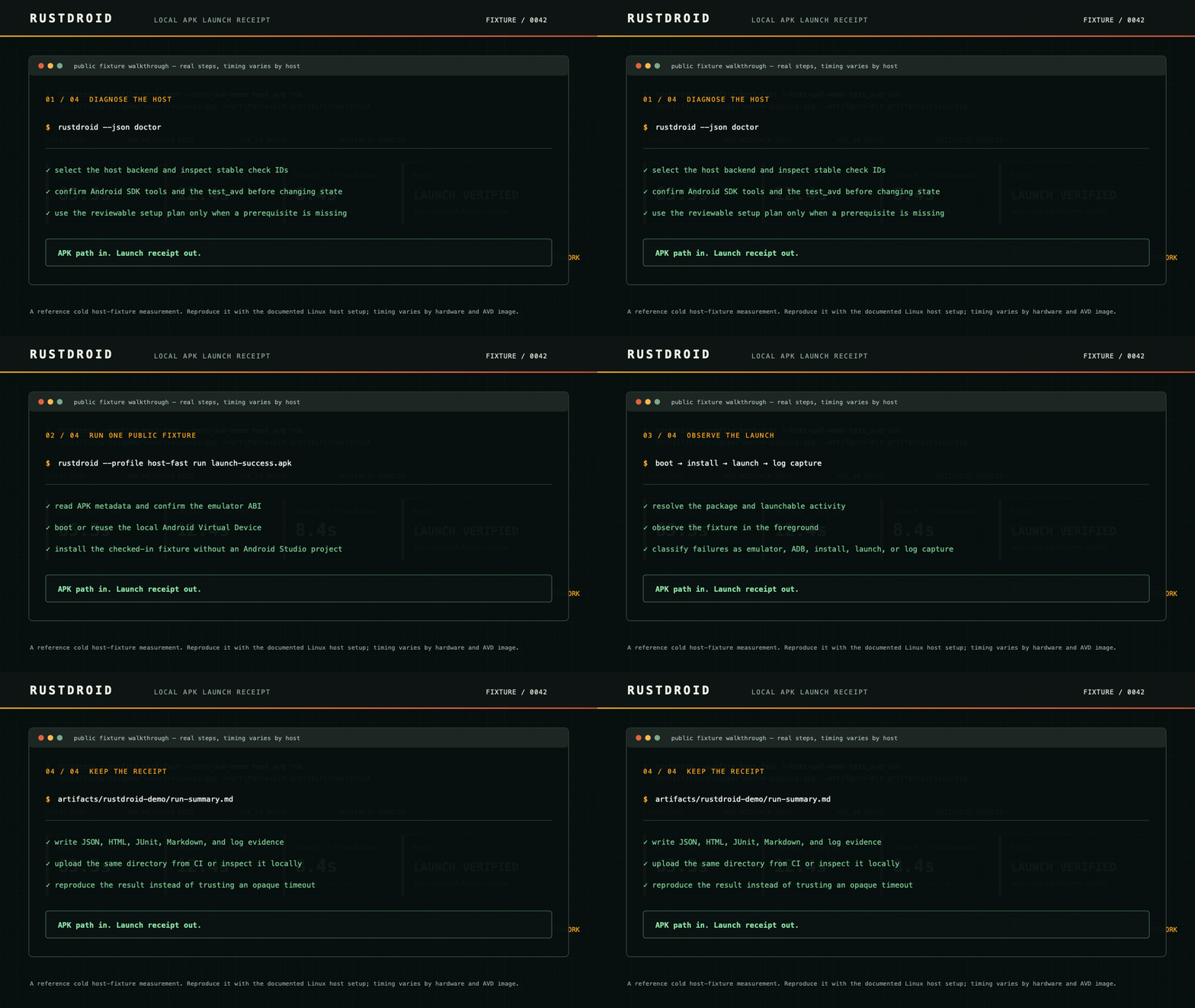 Play the readable eight-second walkthrough ↗
A receipt is more useful than a pass/fail dot
Useful to humans.
Stable for machines.
A completed run can leave a versioned JSON receipt, a reviewable HTML report, JUnit for CI, Markdown, and logcat evidence. Failures retain the stage that failed: emulator, ADB, install, launch, or capture.
- run-summary.json
- automation and dashboards
- run-report.html
- quick human review
- junit.xml
- CI-native failure signal
- logcat.txt
- launch and crash context
No private application required
Try a real, checked-in fixture first.
Clone the repository, then use the signed launch fixture to validate your Linux host, Android SDK, AVD, and receipt path before connecting a private app.
fixture / launch-success.apk
$ git clone --depth 1 https://github.com/OthmaneBlial/rustdroid.git
$ cd rustdroid
$ rustdroid \
  --profile host-fast \
  --host-avd-name test_avd \
  run tests/fixtures/apks/launch-success.apk \
  --duration-secs 2 --keep-alive false \
  --artifacts-dir artifacts/rustdroid-demo
EXPECTED RESULTlaunch verified + receipt artifactsSee the documented walkthrough
Bring the build tool you already use
One receipt contract. Three public sources.
The local APK loop, with a paper trail