Edit & annotate
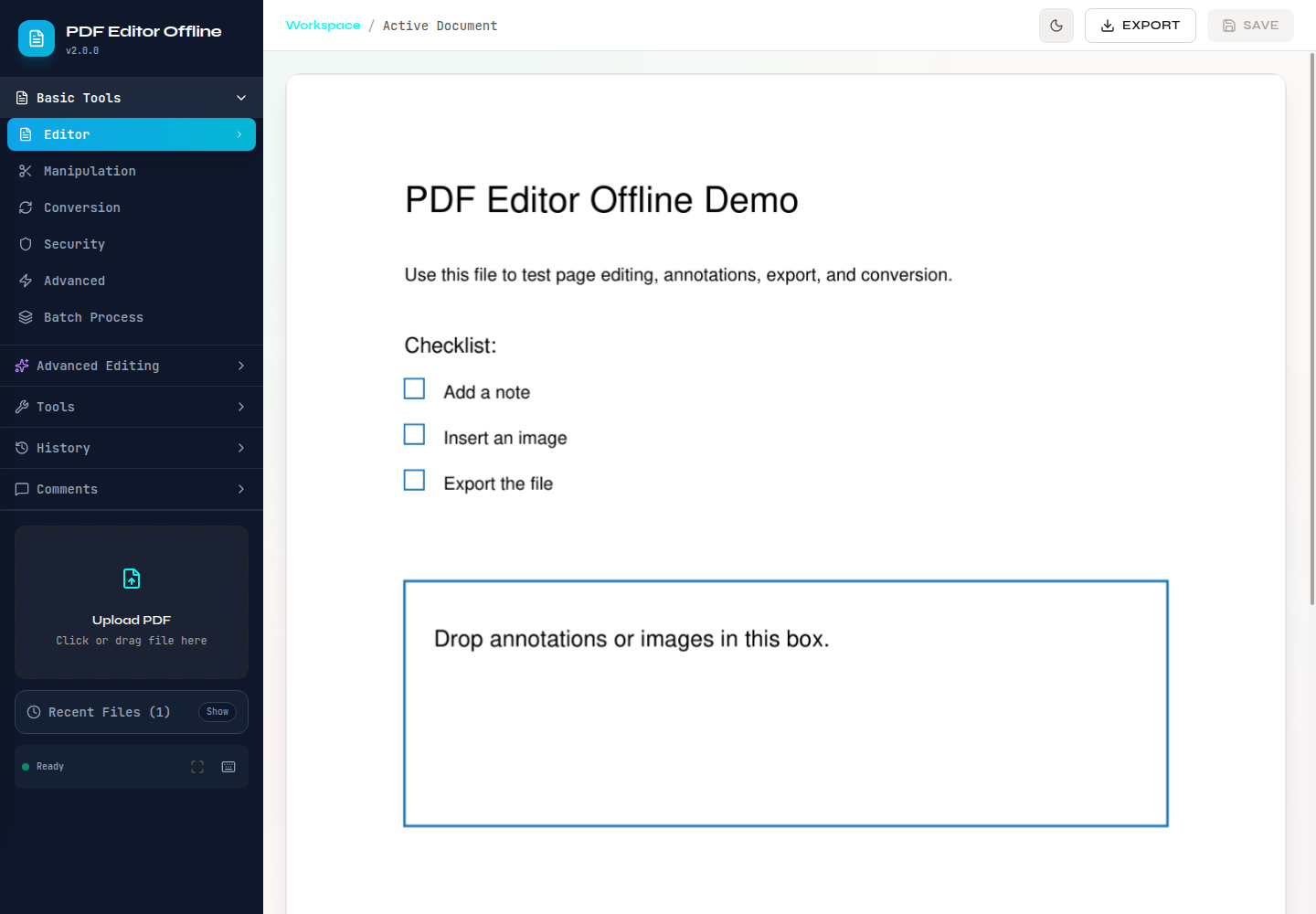
Add text, images, drawings, highlights, comments, stamps, watermarks, and attachments.
Free · open source · local-first
A full PDF editor that runs on your computer. Edit, sign, organize, convert, redact, and clean private data—without sending your files to the cloud.
No uploads. No account. No Adobe subscription.
Windows · macOS · Linux · Python 3.10–3.12
A real PDF toolbox
Everyday PDF jobs in one local workspace, from quick page changes to permanent redaction.
Add text, images, drawings, highlights, comments, stamps, watermarks, and attachments.
Complete standard forms and add a typed, drawn, image, or certificate-backed signature.
Merge, split, reorder, rotate, crop, duplicate, compress, number, and remove blank pages.
Move between PDF, Word, PowerPoint, Excel, images, Markdown, text, EPUB, SVG, and PDF/A.
Inspect and remove metadata, attachments, links, annotations, form data, and other hidden details.
Permanently remove sensitive text, export a separate copy, and verify what remains.
Privacy is the default
Desktop and source mode keep processing on your device. There is no account, document telemetry, hidden upload, or cloud conversion service.
Self-hosted and Docker modes process files on the host you choose; that host becomes the privacy boundary.
See it, don't just trust it
Watch a synthetic PDF get opened, searched, permanently redacted, exported, and checked again.
A silent 60-second redaction demo using a public synthetic test PDF.
What happens
The actual product
Captured from API-backed workflows using the safe sample PDFs included in the repository.
Free and open source
Try the current desktop preview, or run the full app locally from source.
Windows 10/11 · x64
Apple Silicon or Intel · macOS 11+
Ubuntu 22.04/24.04 · AppImage or DEB
Local web app · Python 3.10–3.12
For developers and self-hosters
Start the visual editor locally, install the CLI, or reuse the Python and FastAPI layers.
git clone https://github.com/OthmaneBlial/pdf-editor-offline.git
cd pdf-editor-offline
pip install -e ".[dev]"
./start.shpip install pdf-editor-offline
pdf-editor-offline --versiondocker pull othmaneblial/pdf-editor-offlineProof, not vague promises
The public Trust Lab shows what the project tested, which PDF engines ran, and where support still has limits—without publishing document content.
Safe files to try
PRIVATE PDF WORK SHOULD STAY PRIVATE PDF WORK.