Featured verified template
Board and Compliance Report
A landscape board packet with repeated scorecard rows, conditional risk narrative, a visible footer, and verified parity evidence.
Browse verified templatesOne local document pipeline
Feed RusDox schema-backed YAML, JSON, TOML, or a designer-authored Word template. It returns a real DOCX, PDF bytes rendered from the same typed model, and an inspectable parity report—without Word, LibreOffice, LaTeX, or a cloud upload.
Best fit: recurring business documents that need both an editable Word handoff and a dependable PDF. Not a universal format converter or a full Word implementation.
Signed template registry
Browse curated invoices, proposals, reports, and compliance packs. Every entry includes its author, license, inputs, accessibility notes, output hashes, and inspectable DOCX/PDF parity evidence.
Featured verified template
A landscape board packet with repeated scorecard rows, conditional risk narrative, a visible footer, and verified parity evidence.
Browse verified templatesInstall after verification
rusdox template add board-report
Checksum-verified release
curl -fsSL https://raw.githubusercontent.com/OthmaneBlial/rusdox/2b3ca4eda4ab8389dc0e54198811bbaa3c368e44/scripts/install.sh | sh
Where the wedge matters
General converters, DOCX libraries, and PDF typesetters are excellent at different jobs. RusDox is deliberately narrower: dual-output business-document automation with proof that both artifacts contain the supported source semantics.
Structured specs
Use readable YAML, JSON, or TOML for board packs, invoices, dashboards, and recurring exports. Validation points back to the source before rendering starts.
Word-native templates
Populate bounded placeholders, loops, and conditions in a designer-authored DOCX while preserving untouched package parts byte for byte.
Reviewable evidence
Reopen DOCX, inspect PDF structure, compare semantic order, retain page snapshots, and add an optional visual baseline without sending content to a diff service.
Documentation and API
Read the authoring model, configuration, CLI surface, examples, and Rust API in one place.
Documentation workspace
Browse getting started, YAML blocks, configuration, CLI usage, examples, Rust API guidance, and the community pages in one focused reading surface.
Go to docsKey reading
One model, two outputs
Specs suit developer-owned layouts. Word templates suit approved designs that must remain familiar and editable to non-developers.
blocks:
  - type: title
    text: Weekly Brief
  - type: body
text: Pipeline grew 14% week over week.DOCX and PDF writers share validated content, metadata, page controls, and the documented layout subset. There is no hidden Office conversion step.
generated/*.docxrendered/*.pdfreports/*-parity.jsonGreen evidence covers the semantics RusDox promises. It never implies universal pixel identity across every Word or PDF viewer.
Examples
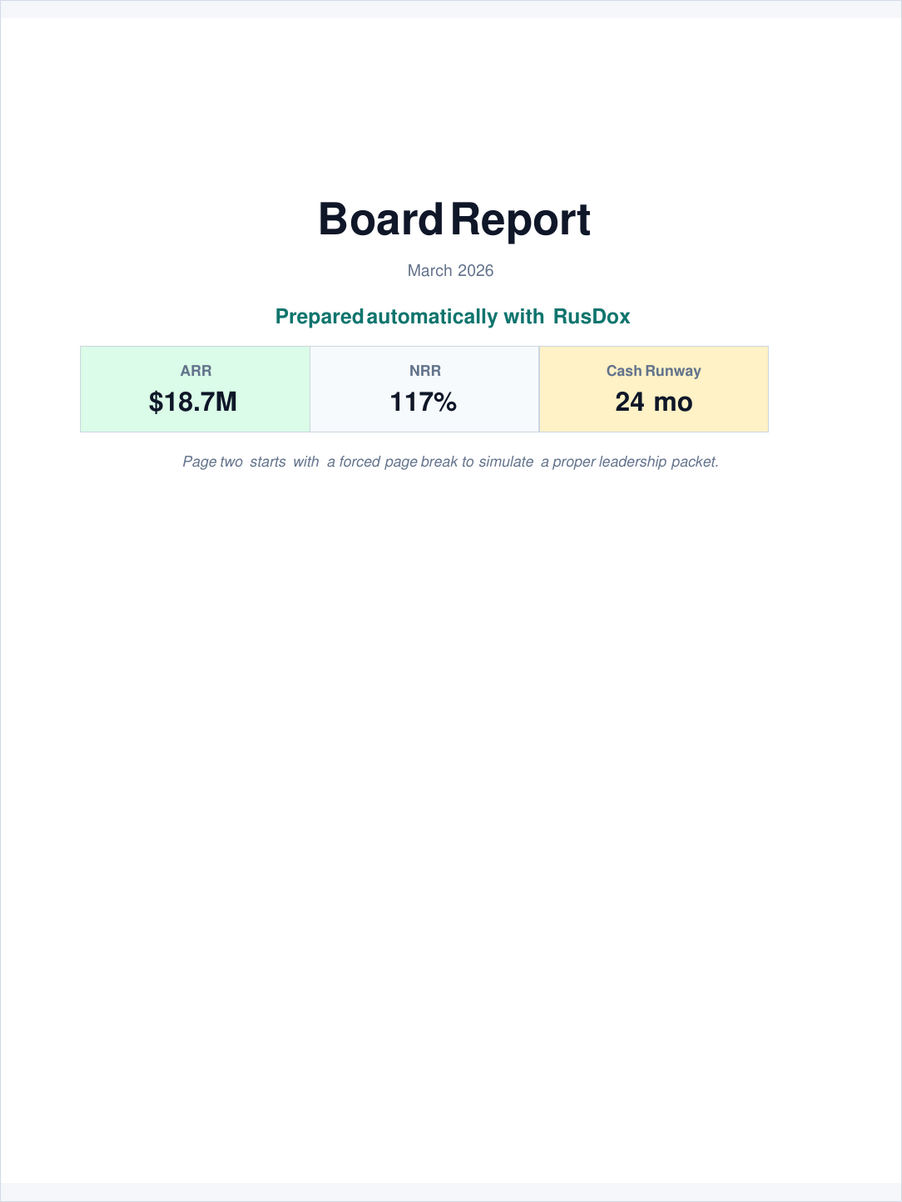
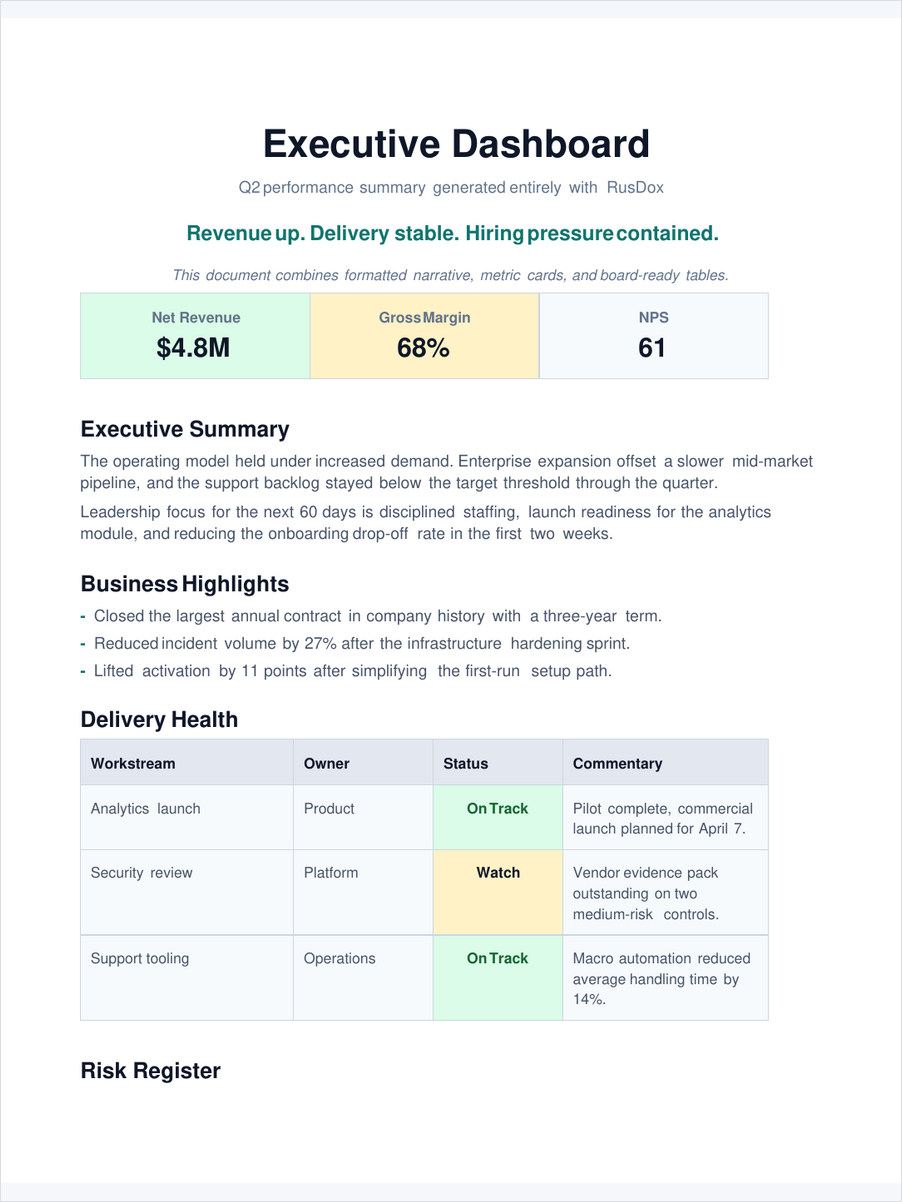
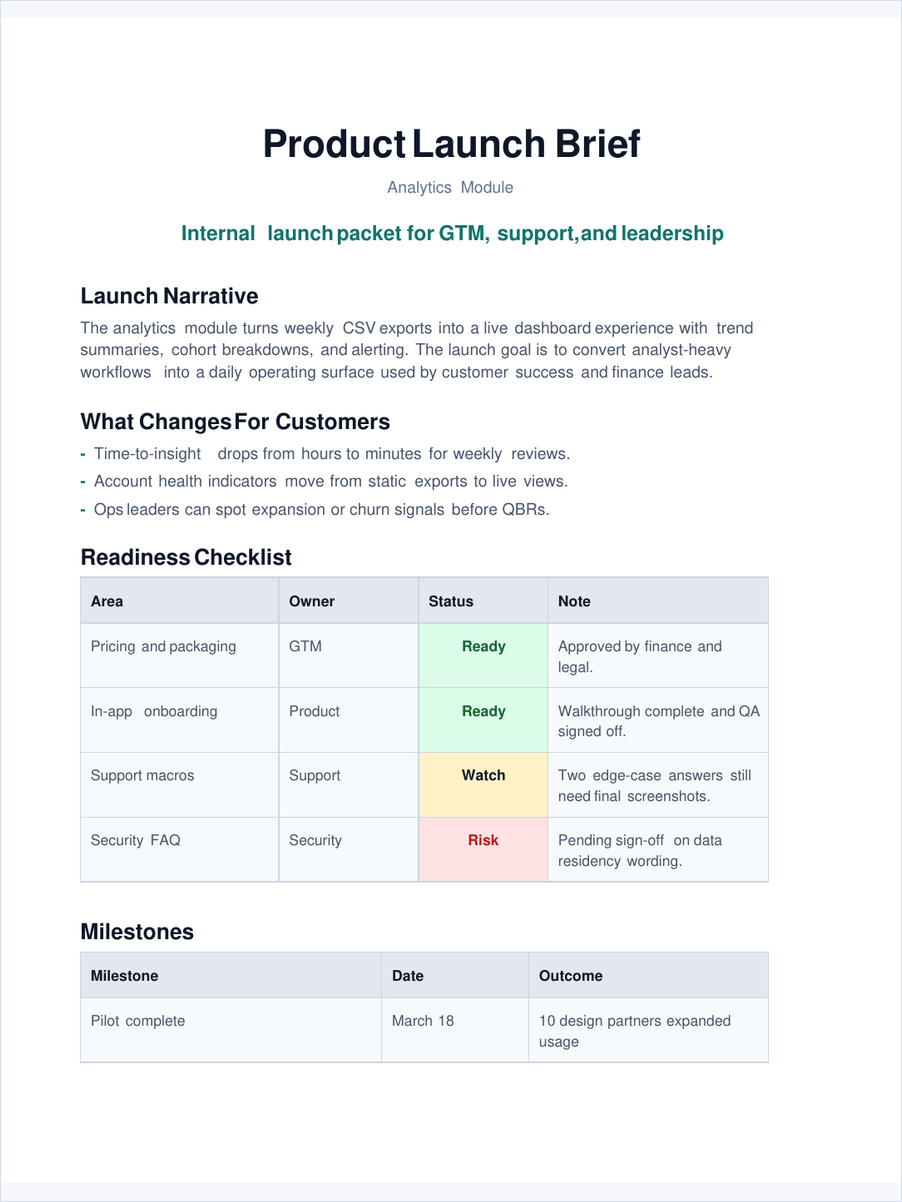
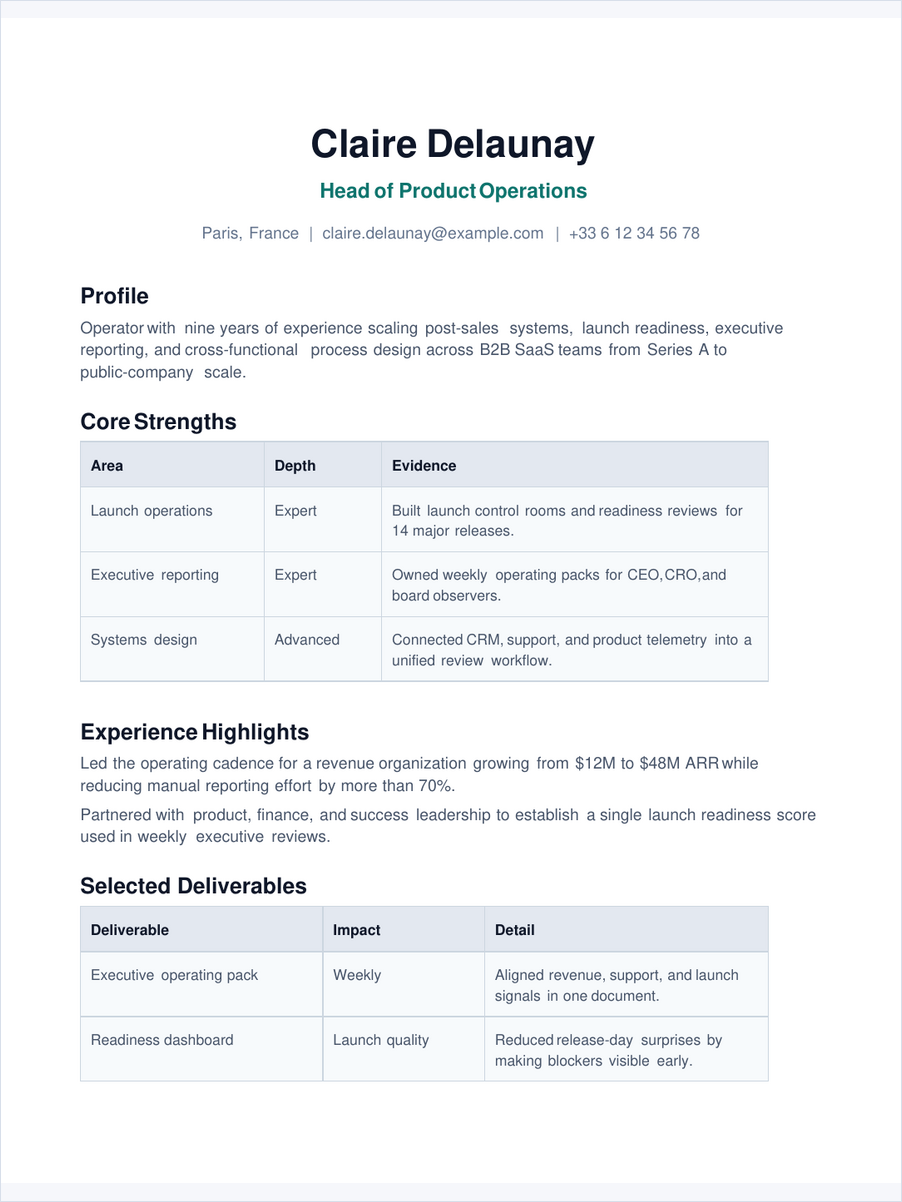
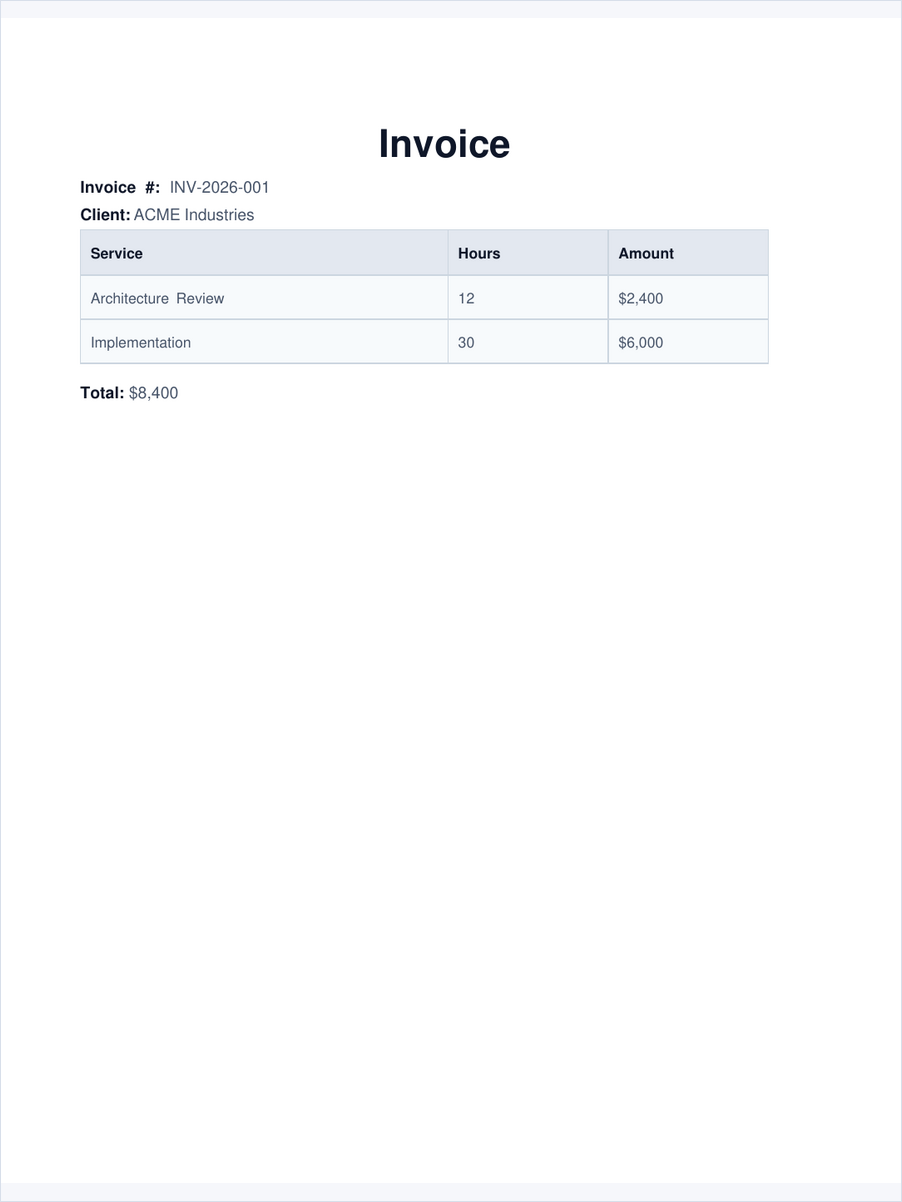
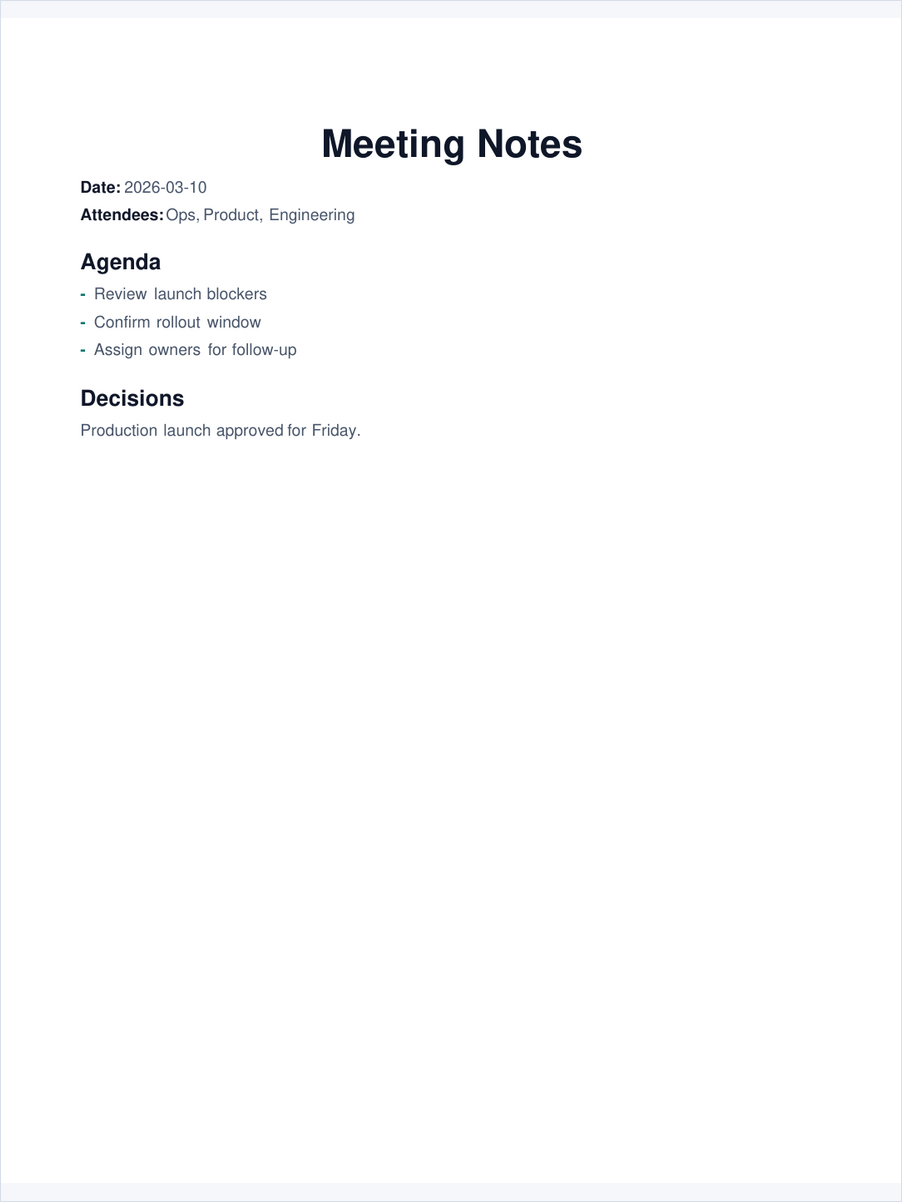
The cards below link directly to the YAML specs, DOCX files, and PDF previews.
Contributor field guide
Ten maintained starter tasks remove the archaeology from a first pull request. Each issue points to a checked-in fixture, an isolated preparation command, and the evidence needed for review.
Start small
Protocol, registry, documentation, and Windows integration tasks are ready to claim.
Open starter issuesKnow the path
The architecture map shows where validation, OOXML, native PDF, parity, and adapters meet.
Read the architectureEarn visible credit
Meaningful merged work is credited in the contributor ledger, site, and relevant release notes.
Meet contributorsReproducible performance evidence
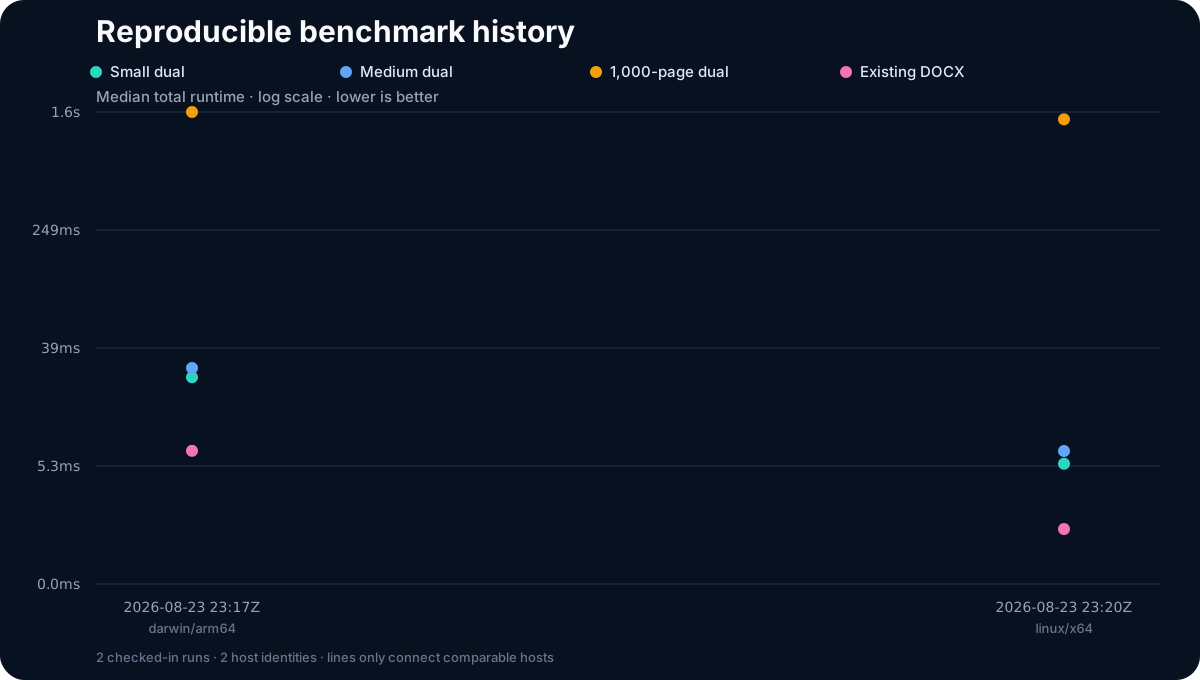
Each report records the CPU, OS, architecture, toolchain, input hash, output sizes, stage timings, and peak resident memory. Results from different machines are observations, not comparative scores.
Open performance budgets